PLANET3-E Bosch Tuning Solutions


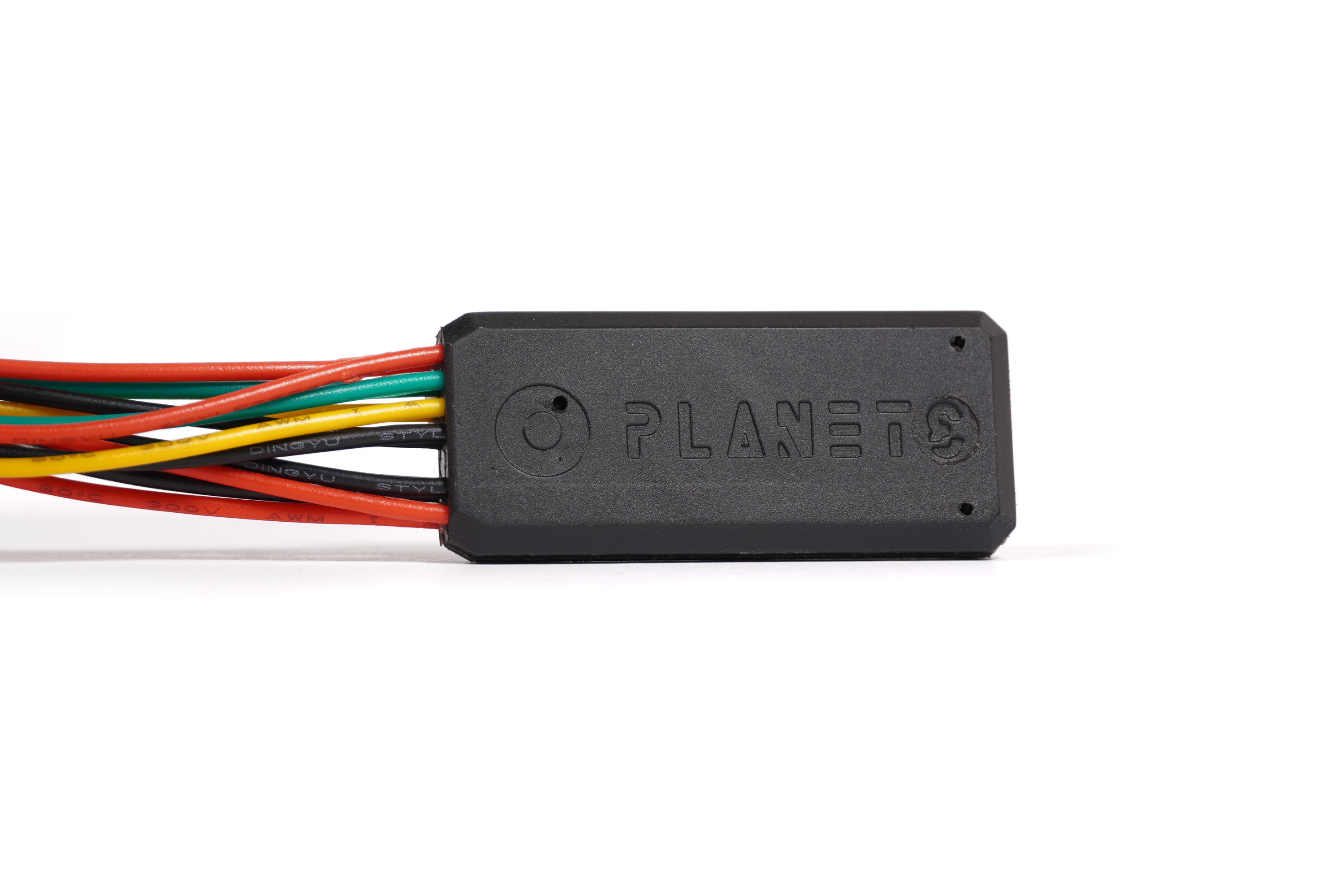
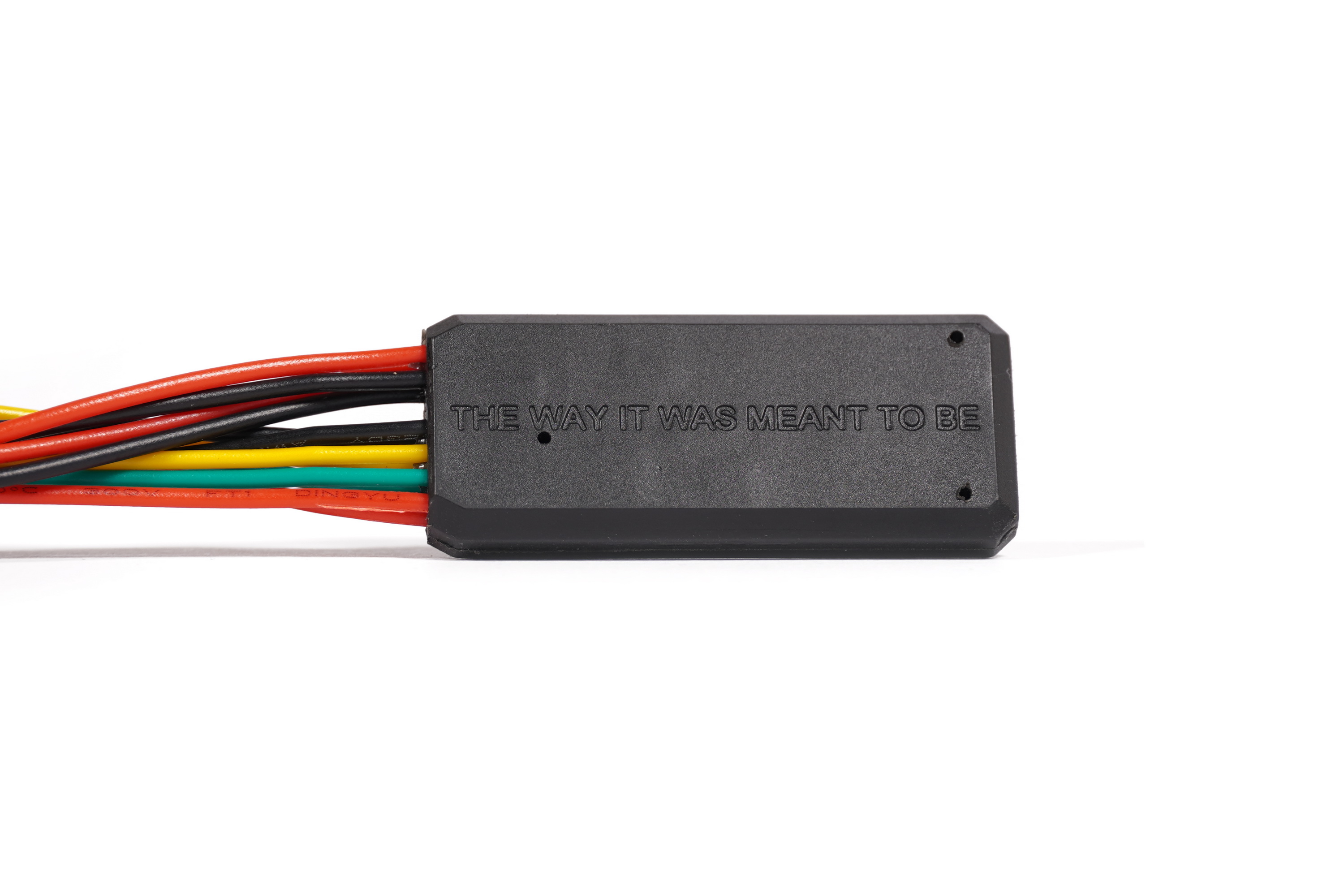
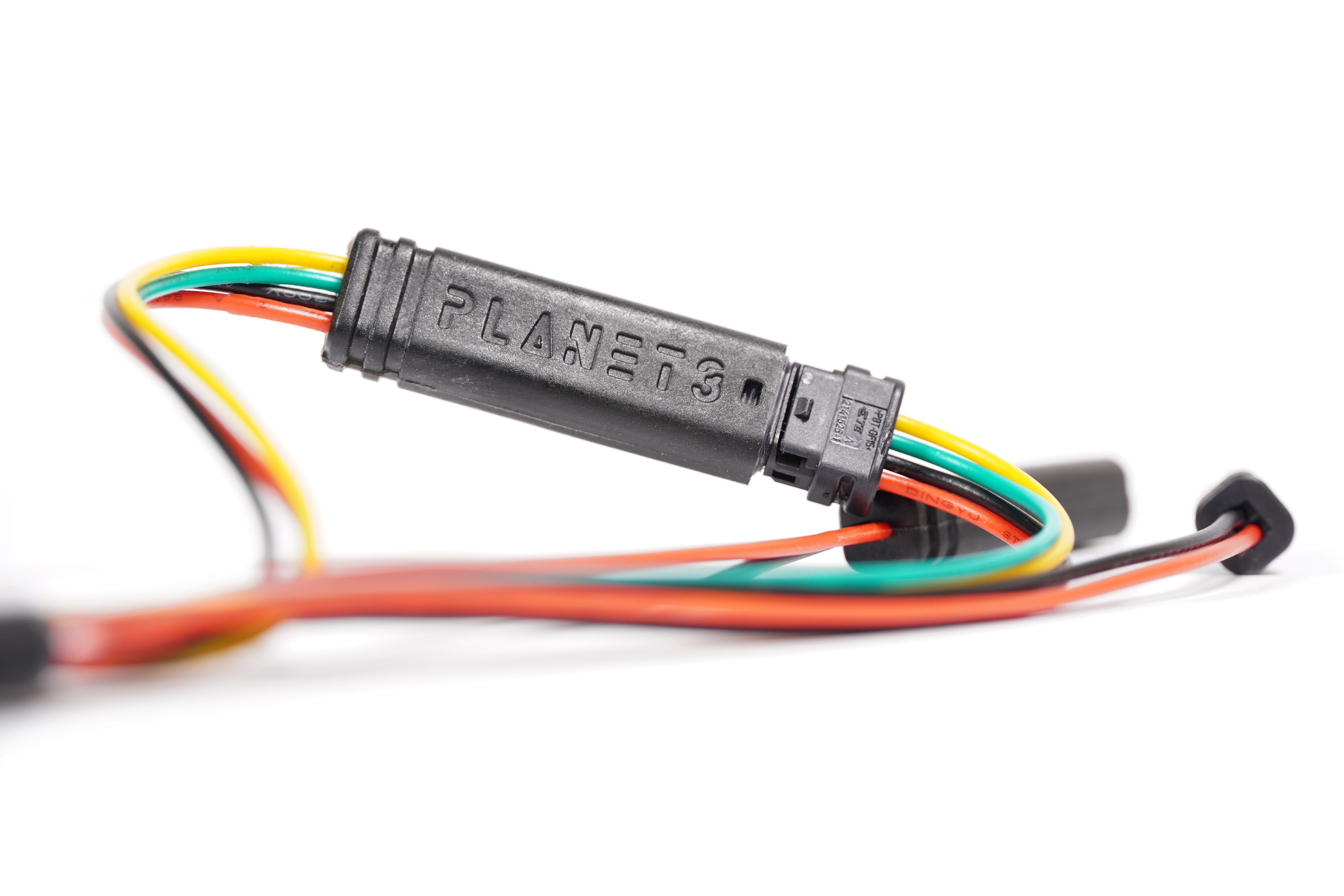
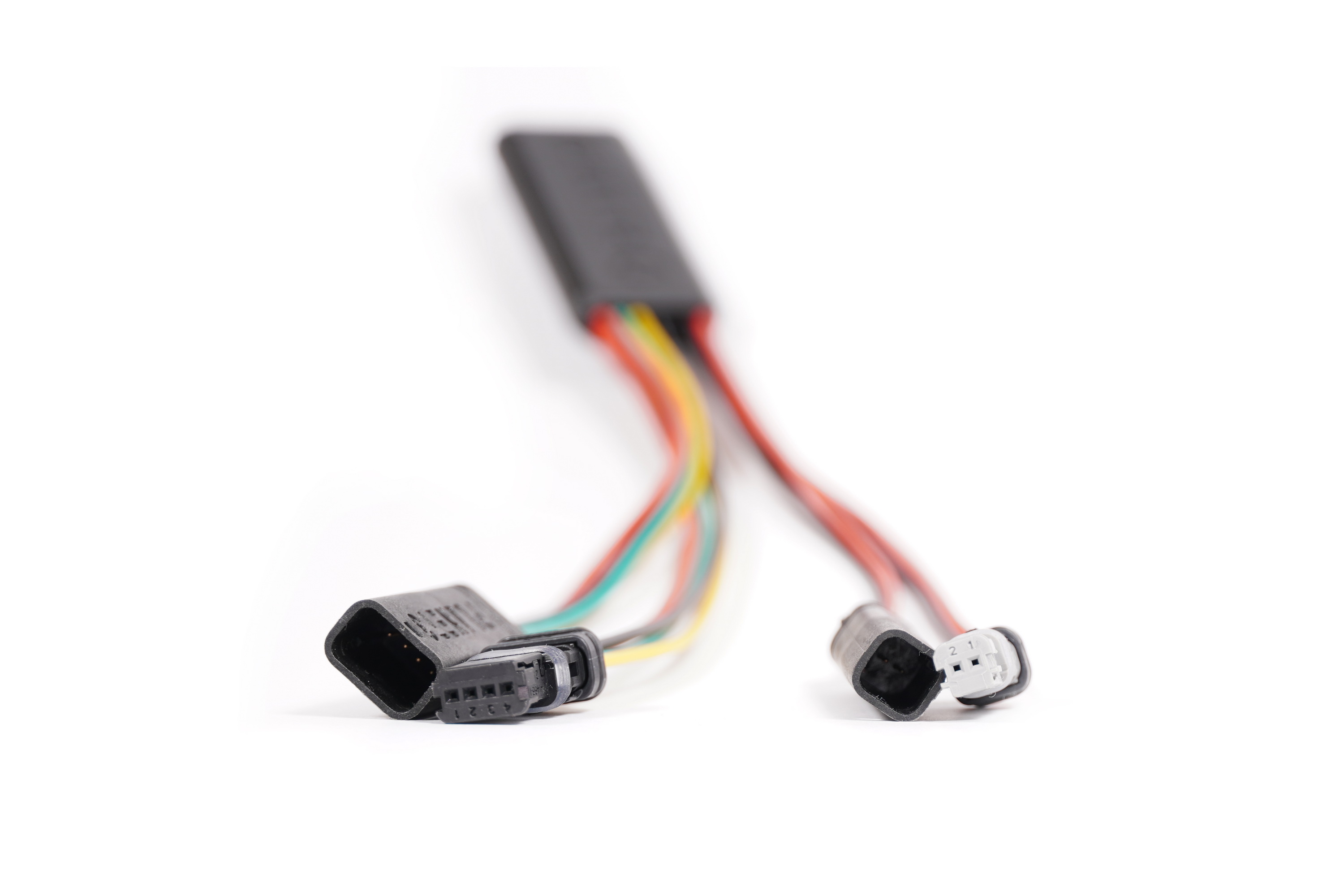
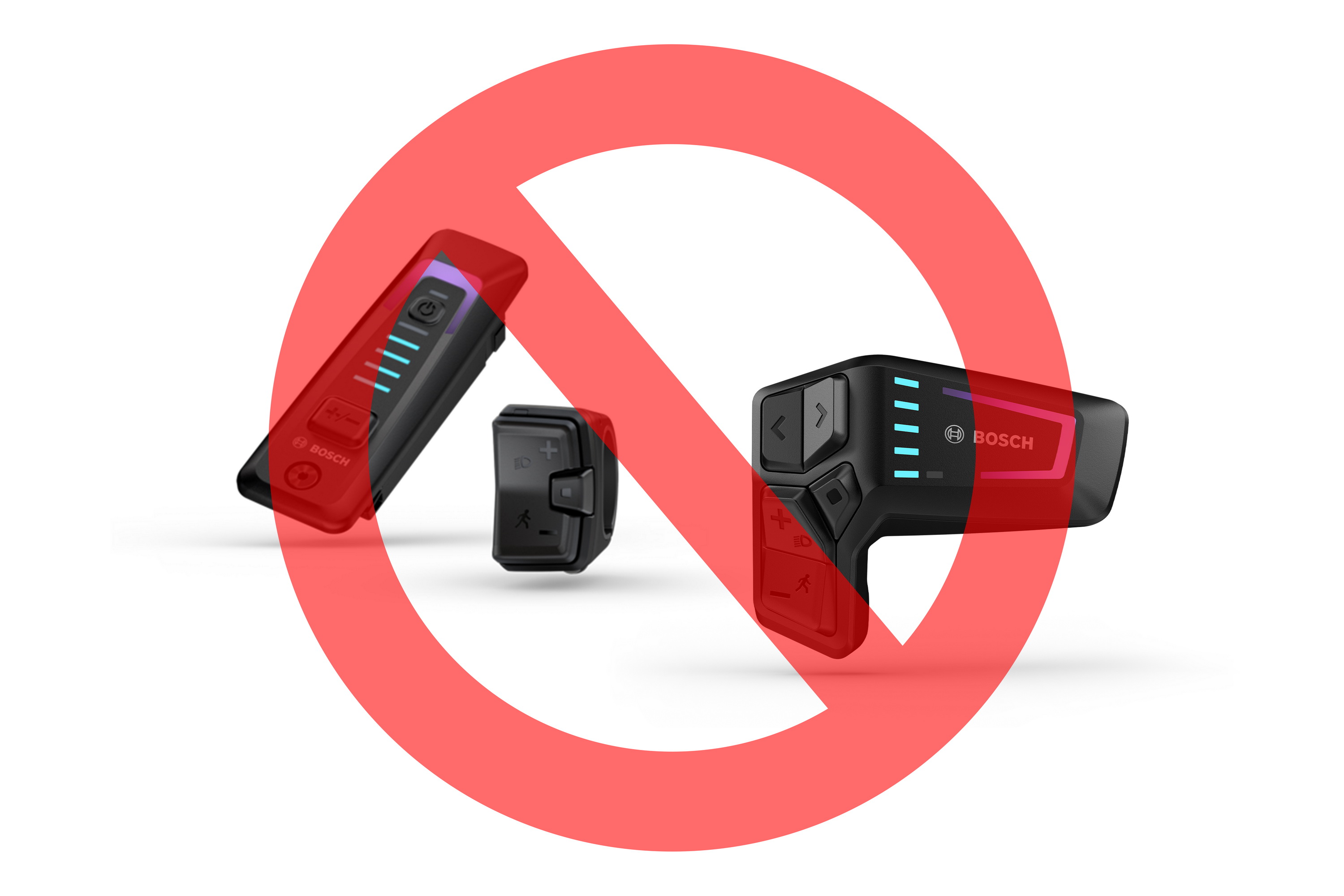




For all generations of Bosch (except for the Smart System).
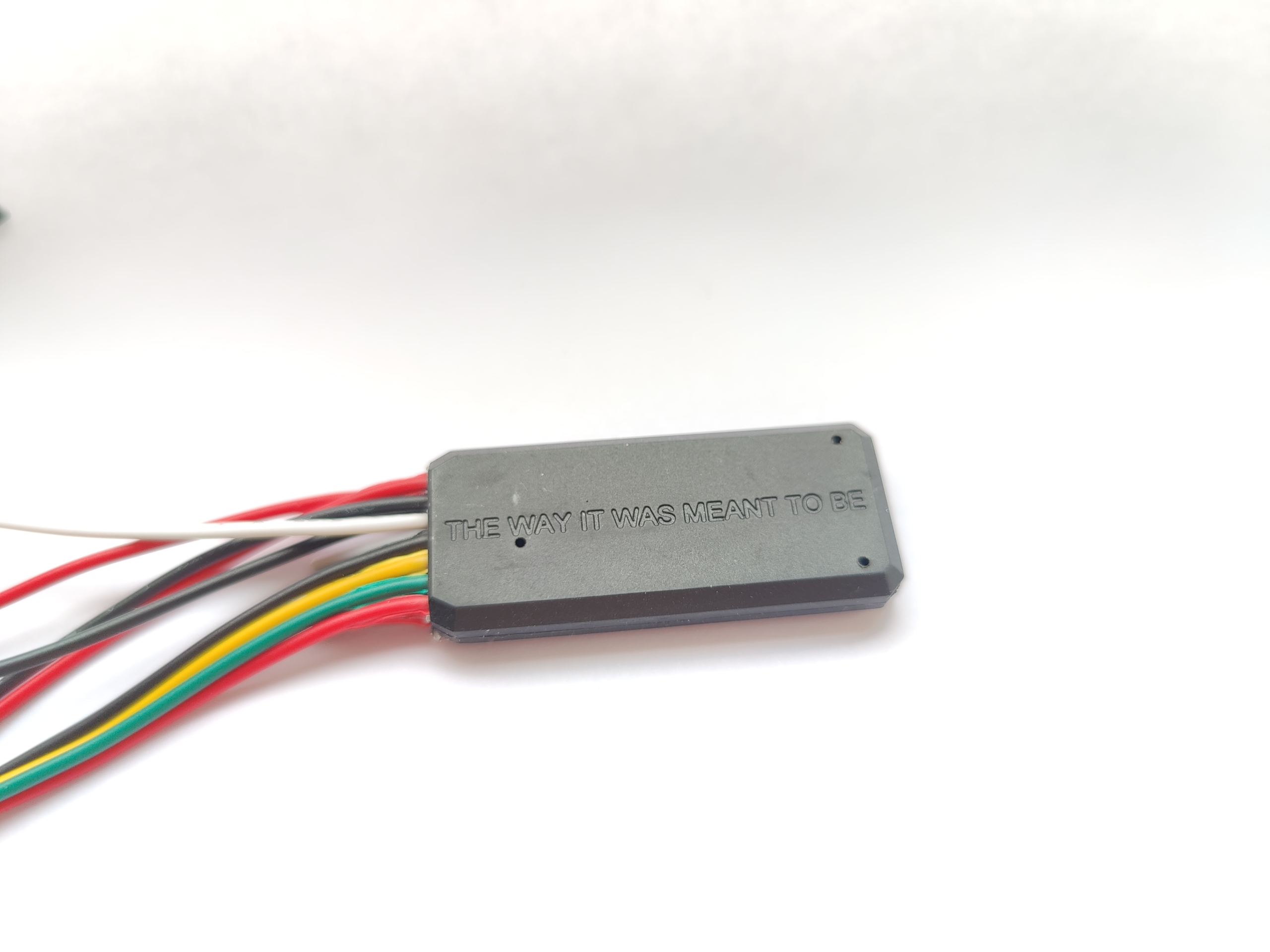
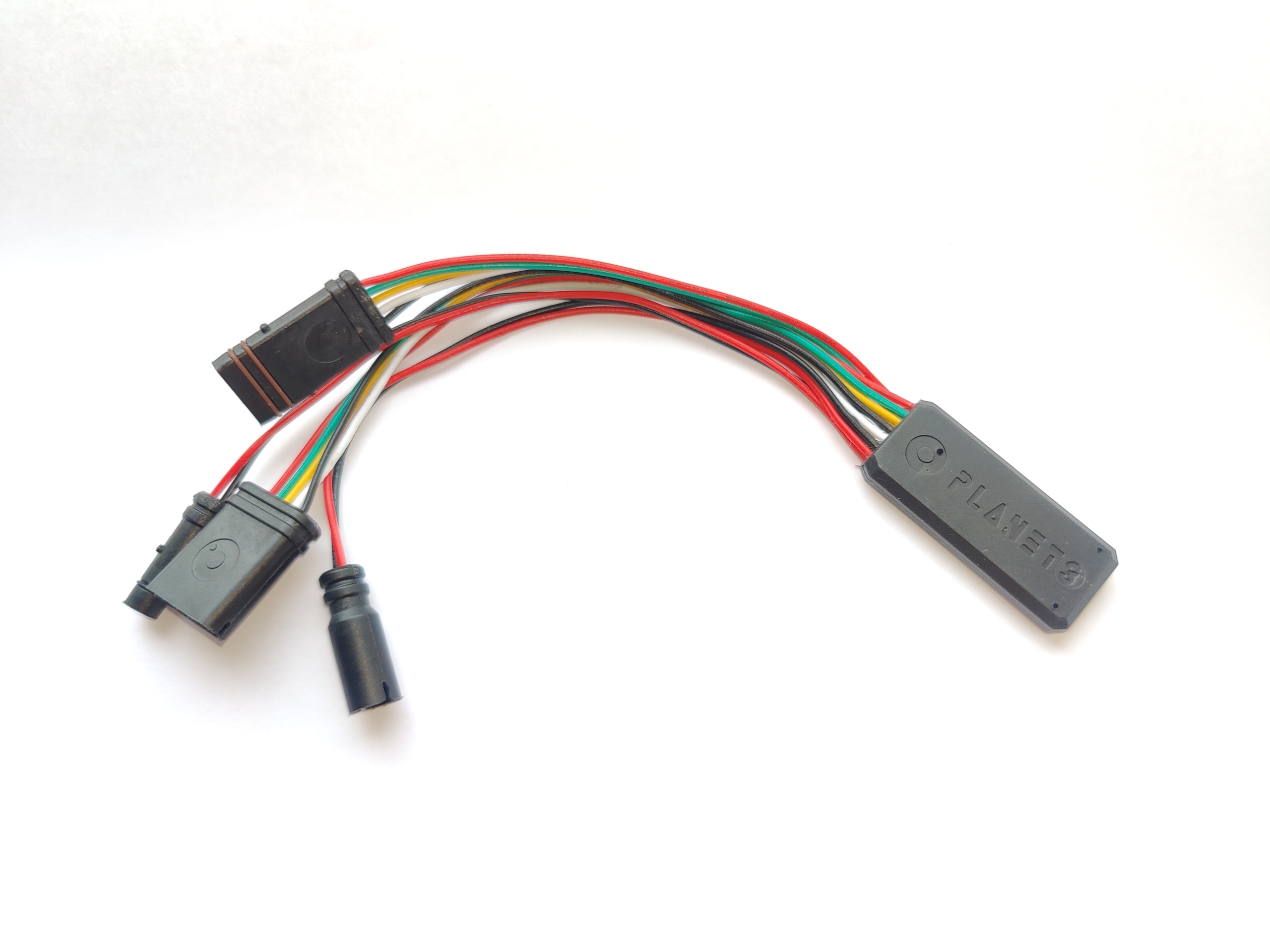
This is a chip version that plugs into the motor in between the speed sensor/display/motor (much like any other chip out there for Bosch and other systems). It also keeps the speed/distance readouts correct while the mechanical PLANET3 would show 3x less. It’s undetectable, updateable via Bluetooth and more future-proof. Uses original male connectors, while the female connectors that are made by PLANET3. Application for mobile phones is available for both Android and iPhone users. If you’re an iPhone user, PLANET3-E app is available on App Store here:


The only difference between these Bosch powered (regarding the installation) e-bikes is the motor cover but it’s 99% the same procedure: take off the crank, unscrew the 3-4 screws, plug in and put everything back. I’d suggest not putting on the motor cover and crank back until you’ve tried powering on the bike and testing the functionality and setup of the PLANET3-E via the app.
As far as the initial setup goes, the only thing that I can’t know ahead of time is your wheel circumference (there is an algorithm that is supposed to measure this automatically, but it doesn’t work as reliably as I would like so for now we enter this value manually). So, when you power on the bike with the PLANET3-E, in the PLANET3 app you will connect to the chip, then go to the Tune menu and there you will see a button “Find my wheel size”, click it and wait a few seconds and it’ll find your wheel circumference. Default value is 2250mm but it can vary from 2000 (78.74 inches) to 2300 mm (90.55 inches). It is important that you verify this value against what’s in Mission Control. They need to be identical. Other than that, you’re good to go.
Additional parameter in the Tune menu:
Bosch speed sensor placement – On bikes with dropout-located speed sensors, there is a need for signal filtering if the speed sensor is tilted in orientation to the circle described by the magnet passing in front of it. How do I know if I need to turn this on? If you raise your rear wheel in the air and spin the wheel by hand and your speed display shows 0.0 km/h or mph, then you should switch this toggle. On bikes with spoke magnets and chainstay-mounted sensors, this should be OFF (normal sensor position). This doesn’t mean that it should always be on for hub-mounted magnets! It just means that you need to do wheel speed test and look at the speed readout.
Compatibility
PLANET3-E is compatible with all Bosch e-drive systems from 2014 to 2022, which include: Active line, Active line (plus), Performance line, Performance line CX and Cargo line (Gen2, Gen3 and Gen4).
Compatible displays include: Purion, Intuvia, Kiox, Nion, Cobi and Smartphone hub.
Easy way of recognising if you have a right Bosch model is if you have a round battery charging plug (see photo in the gallery).
Contents
PLANET3-E version F105/F205.


Shipped worldwide via:

Useful links

Have questions about this product?
Please contact us before you buy!
For all generations of Bosch (except for the Smart System).
This is a chip version that plugs into the motor in between the speed sensor/display/motor (much like any other chip out there for Bosch and other systems). It also keeps the speed/distance readouts correct while the mechanical PLANET3 would show 3x less. It’s undetectable, updateable via Bluetooth and more future-proof. Uses original male connectors, while the female connectors that are made by PLANET3. Application for mobile phones is available for both Android and iPhone users. If you’re an iPhone user, PLANET3-E app is available on App Store here:
The only difference between these Bosch powered (regarding the installation) e-bikes is the motor cover but it’s 99% the same procedure: take off the crank, unscrew the 3-4 screws, plug in and put everything back. I’d suggest not putting on the motor cover and crank back until you’ve tried powering on the bike and testing the functionality and setup of the PLANET3-E via the app.
As far as the initial setup goes, the only thing that I can’t know ahead of time is your wheel circumference (there is an algorithm that is supposed to measure this automatically, but it doesn’t work as reliably as I would like so for now we enter this value manually). So, when you power on the bike with the PLANET3-E, in the PLANET3 app you will connect to the chip, then go to the Tune menu and there you will see a button “Find my wheel size”, click it and wait a few seconds and it’ll find your wheel circumference. Default value is 2250mm but it can vary from 2000 (78.74 inches) to 2300 mm (90.55 inches). It is important that you verify this value against what’s in Mission Control. They need to be identical. Other than that, you’re good to go.
Additional parameter in the Tune menu:
Bosch speed sensor placement – On bikes with dropout-located speed sensors, there is a need for signal filtering if the speed sensor is tilted in orientation to the circle described by the magnet passing in front of it. How do I know if I need to turn this on? If you raise your rear wheel in the air and spin the wheel by hand and your speed display shows 0.0 km/h or mph, then you should switch this toggle. On bikes with spoke magnets and chainstay-mounted sensors, this should be OFF (normal sensor position). This doesn’t mean that it should always be on for hub-mounted magnets! It just means that you need to do wheel speed test and look at the speed readout.
Compatibility
PLANET3-E is compatible with all Bosch e-drive systems from 2014 to 2022, which include: Active line, Active line (plus), Performance line, Performance line CX and Cargo line (Gen2, Gen3 and Gen4).
Compatible displays include: Purion, Intuvia, Kiox, Nion, Cobi and Smartphone hub.
Easy way of recognising if you have a right Bosch model is if you have a round battery charging plug (see photo in the gallery).
Contents
PLANET3-E version F105/F205.
Useful links
Have questions about this product?
Please contact us before you buy!
CUSTOMER REVIEWS

Ben Russell, AU
Just saying thanks for your product. I pretty much got it because I enjoyed your honest attitude and fantastic craftsmanship. Its not often I come across someone who actually gives a fuck

Rogelio Tiu Jr, PH
Ok thanks. Your Product is so Simple to use and Install. Great Video Instruction. Not a fan of Electronic Derestrictor. Awesome Product Man!

Carla Sloan, UK
Just a quick note to say absolutely over the moon with your device, instructions and your communication, it worked first time and was very easy to fit. Do you have

Gerald Dupre, FR
I installed everything… it works great! Thanks very much !

Scott Britton, UK
Just to let you know I have just received my gearset all in one piece 👍 Brilliant service its a refreshing change to deal with someone who’s on the ball...

N Grant Thompson, NZ
My parcel arrived today. What an awesome service, 6 days from order to my home in New Zealand. Truly amazing. Looking forward to riding in 2 days.Thanks guys